
BenQ iScreenBar for iMac: Desk Light That Fits Perfectly?
BenQ's iScreenBar is a monitor light bar built only for the iMac, with a magnetic mount, glare-free desk lighting, and a macOS app. Here is who it is worth it for.
Amazon prices change often, so we link you straight to the live price instead of quoting one here.
As an Amazon Associate I earn from qualifying purchases. Disclosure
What we liked
- Magnetic mount fits the iMac without blocking the camera, mics, or speakers
- Asymmetric optics light the desk without glare on the screen
- macOS app saves brightness and color temperature profiles
- Motion sensor and a dedicated Video Call Mode
- Runs off a single USB-C cable to the iMac
The catch
- Works only with 2021 and later iMacs
- Pricey compared with general-purpose monitor light bars
- Green and blue versions not available until later this year
- Uses one of the iMac's USB-C ports
Pros, cons and our rating are Dealmynt's own editorial verdict — not customer ratings from any retailer.
Our full review
TL;DR: The cleanest way to light an iMac desk, with a magnetic mount and smart macOS controls, but it only works with recent iMacs and costs more than generic light bars.
Why it is trending right now
BenQ announced the iScreenBar in early September as part of an expansion of its popular ScreenBar line, and fresh reviews have continued to land through October. As the days get shorter, a lot of people working from home start looking for better desk lighting, and this is one of the first light bars built specifically for iMac owners.
What you get
BenQ calls the iScreenBar the first monitor light bar designed specifically for the iMac. Instead of a universal clamp, it uses a custom magnetic mount that sits on top of the iMac without blocking the built-in camera, microphones, or speakers, and without hiding the rear logo.
The light uses what BenQ calls ASYM-Light optics, which aim the light down toward your desk rather than at the screen or your eyes. The goal is even lighting on your keyboard and papers without reflections on the display.
It also integrates with macOS. A dedicated app lets you adjust brightness and color temperature and save lighting profiles for different tasks, then switch between them with a click. A motion sensor turns the light on when you approach the desk, and a Video Call Mode dims the center of the bar so it does not flare into the iMac camera while still lighting your face from the sides. The whole thing runs off a single USB-C cable to the iMac, and reviewers note it turns on with the computer.
The downsides
The biggest limitation is compatibility. The iScreenBar works only with iMacs from 2021 onward. It will not work with an Apple Studio Display, an older iMac, or any other monitor, so if you might switch setups later, a standard ScreenBar is more flexible.
Price is the other sticking point. Reviewers generally like the design but call it on the pricey side for what is essentially a desk lamp that sits on your computer. It also does not calibrate or adjust your display in any way; it only lights your workspace. Since it is powered from the iMac, it uses one of your USB-C ports. Finally, only the silver version is available now, with green and blue promised by the end of the year.
Who should buy it
It is a great fit for iMac owners who work late, take frequent video calls, or want a tidy, cable-light desk that keeps the iMac's look intact.
Who should skip it
Skip it if you use an older iMac or an external display, or if you just need basic desk light and do not care about the integrated design. A general-purpose light bar or desk lamp will cost less.
The bottom line
The iScreenBar solves a real annoyance for iMac users in a way that feels made by Apple's own design team. The question is simply whether that tailored fit is worth the premium to you.
Ready to buy the BenQ iScreenBar for iMac: Desk Light That Fits Perfectly??
Check price on AmazonAs an Amazon Associate I earn from qualifying purchases. Disclosure
You might also like
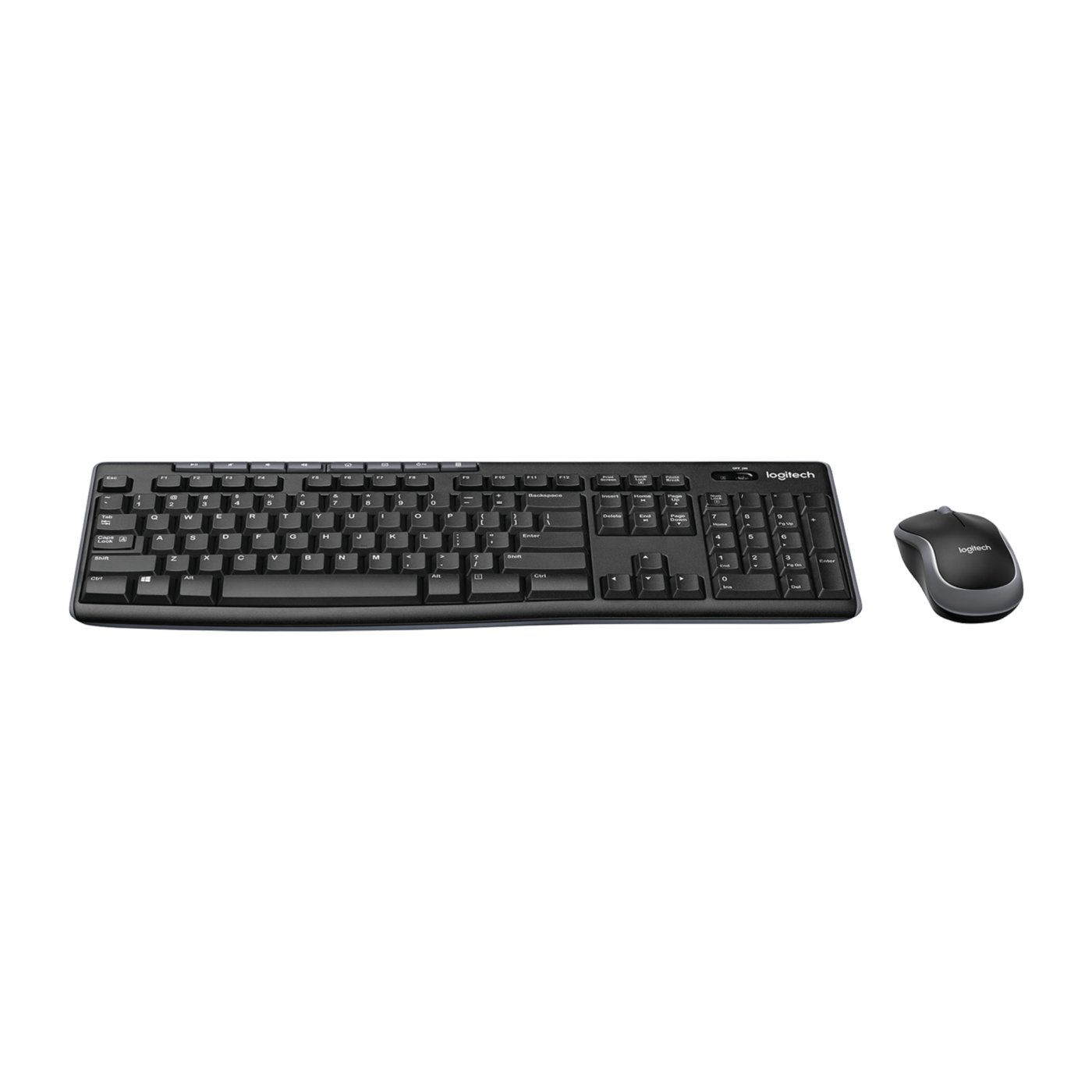
(On Sale) Logitech MK270 Review: Is This Wireless Combo Worth It?
Logitech's MK270 combines a full-size wireless keyboard with a compact mouse, using one USB receiver for both devices. It offers media shortcuts, a spill-resistant keyboard, and long manufacturer-rated battery life, but lacks ergonomic extras and USB-C connectivity.
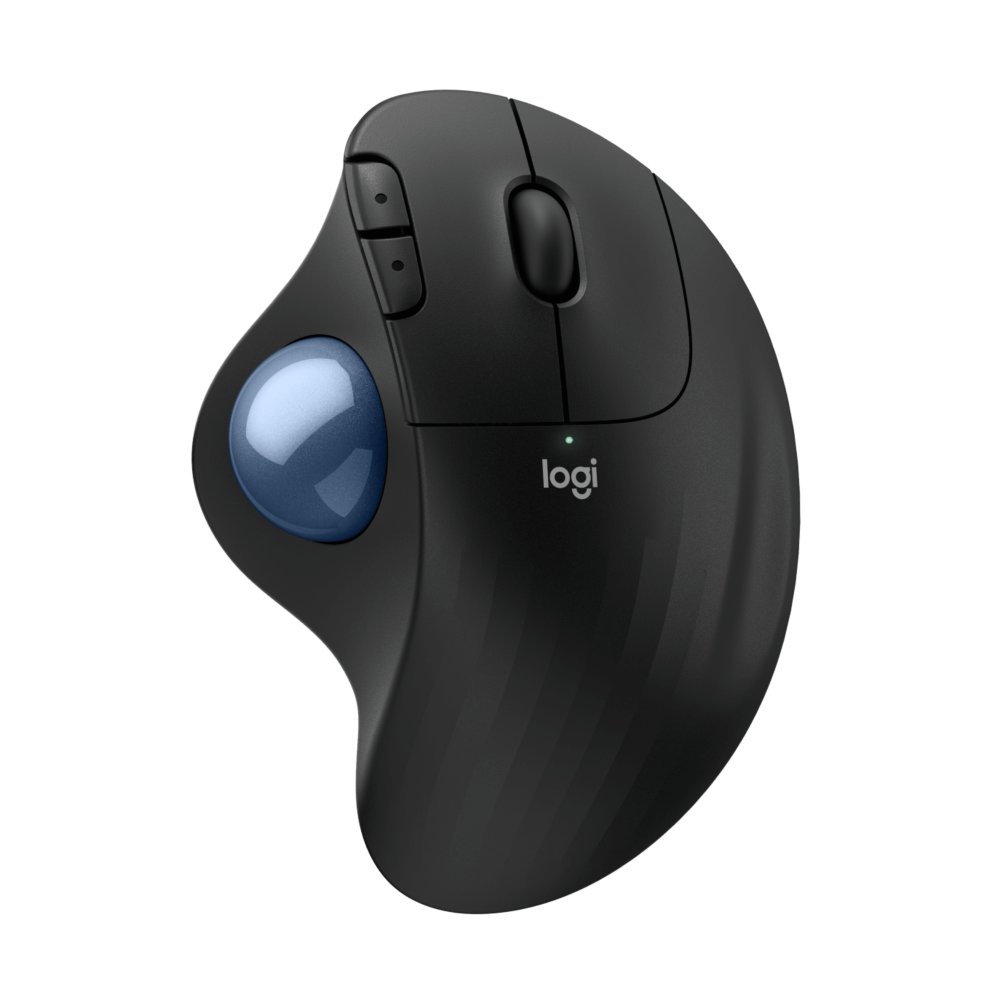
Logitech ERGO M575S Review: Is a Trackball Worth It?
The Logitech ERGO M575S is a wireless trackball designed to save desk space and reduce the need to move your arm while working. It offers quiet clicks, Bluetooth and Logi Bolt connectivity, and long battery life. The main trade-offs are its learning curve, right-handed design, and replaceable AA battery.